
Collections in Java — theory with a library of books, List, Set and Map (and the Set that claimed to have the same book twice)
I was putting together the catalog for a test library and wanted to avoid duplicate books. “That’s what sets are for,” I thought, and instead of a list I used a HashSet<Book>. To check it worked, I added Dune twice on purpose and asked how many elements it had. Java answered this:
Without equals or hashCode: 2 elements
“Two? But it’s the same book, with the same ISBN!” I spent a good while blaming Java, until I understood the set wasn’t broken: I had never told it what it means for two books to be the same. And with collections, that changes everything.
Today we draw the whole map. You’ll see which families of collections exist (List, Set, Map), how ArrayList and LinkedList differ, why a HashSet needs equals() and hashCode(), and how to traverse and modify a Map without Java complaining. All with a single example: the library. If you’re coming from the theory on iterators, you already know every collection can be traversed with a for-each; here you’ll learn to choose which one to use. It will also help to review interfaces and Comparable, because collections are built on top of them. And when you’re done, the collections practice is waiting with three complete programs.
Table of Contents
The map of collections
A collection is an object that holds other objects. Java organizes them into interfaces, each with a different promise:
| Interface | What it promises | Usual implementations |
|---|---|---|
List | Insertion order, allows duplicates, access by position | ArrayList, LinkedList |
Set | No duplicates | HashSet, LinkedHashSet, TreeSet |
Queue / Deque | Queues and stacks: you add at one end and take from another | ArrayDeque, LinkedList, PriorityQueue |
Map | Key → value pairs, keys without duplicates | HashMap, LinkedHashMap, TreeMap |
List, Set and Queue inherit from Collection (which in turn is Iterable, which is why they all work in a for-each). Map is separate.
Map is not a Collection: it holds pairs, not single elements. To traverse it you ask for a “view” that is one: its keys (keySet()), its values (values()) or its pairs (entrySet()). You’ll see this at the end.
There’s a style rule worth adopting right now: declare with the interface and build with the class.
List<Book> books = new ArrayList<>(); // the type is List; the implementation, ArrayList
That way the rest of the program only knows the promises of List, and switching from ArrayList to LinkedList means changing one line. We’ll check it in the next section.
List: order and duplicates
For the examples we use a very small record. A record is a data class with a constructor, getters, equals() and hashCode() already written (we’ll talk about the last two later), and here we give it a readable toString():
public record Book(String isbn, String title, String author) {
    @Override
    public String toString() {
        return title + " (" + author + ")";
    }
}
A list keeps the books in the order you add them, allows duplicates and lets you access by position:
import java.util.ArrayList;
import java.util.LinkedList;
import java.util.List;

public class Lists {
    public static void main(String[] args) {
        List<Book> books = new ArrayList<>();
        books.add(new Book("L-101", "Dune", "Herbert"));
        books.add(new Book("L-102", "Emma", "Austen"));
        books.add(new Book("L-103", "Hamlet", "Shakespeare"));
        books.add(new Book("L-102", "Emma", "Austen"));   // a list allows duplicates

        System.out.println("Books: " + books);
        System.out.println("Size: " + books.size());
        System.out.println("The one at position 2: " + books.get(2));
        System.out.println("First position of Emma: " + books.indexOf(new Book("L-102", "Emma", "Austen")));

        books.remove(0);   // removes by position
        System.out.println("Without the first one: " + books);

        List<Book> other = new LinkedList<>(books);   // same interface, different implementation
        other.add(1, new Book("L-104", "Macbeth", "Shakespeare"));
        System.out.println("LinkedList with Macbeth in the middle: " + other);
    }
}
Books: [Dune (Herbert), Emma (Austen), Hamlet (Shakespeare), Emma (Austen)]
Size: 4
The one at position 2: Hamlet (Shakespeare)
First position of Emma: 1
Without the first one: [Emma (Austen), Hamlet (Shakespeare), Emma (Austen)]
LinkedList with Macbeth in the middle: [Emma (Austen), Macbeth (Shakespeare), Hamlet (Shakespeare), Emma (Austen)]
Between the lines:
Emmais there twice: a list does not complain about duplicates.get(2)andremove(0)work with positions (they start at 0). When you remove the first one, all the others shift one slot.indexOf(...)searches usingequals(), which is why it findsEmmaeven though we pass it a freshly createdBook. (Records compare by content.)- When we switch to
LinkedListwe only touch thenewline; the rest of the code still works, becauseListis the same interface. Andadd(1, ...)inserts in the middle, shifting what was behind.
ArrayList or LinkedList
They do the same thing from the programmer’s point of view, but inside they’re very different:
ArrayList | LinkedList | |
|---|---|---|
| Inside | An array that grows when it fills up | Nodes linked together (like in the iterators practice) |
get(i) | Fast: goes straight to the position | Slow: walks nodes until it reaches i |
| Add at the end | Fast | Fast |
| Insert or delete in the middle | Slow: elements have to be shifted | Once the node is located, it just redirects two links (but locating it costs) |
| Memory | Little | More: every element carries its node |
In practice, **use ArrayList by default**. It’s faster in almost every real use, and LinkedList is only worth it if you constantly insert and delete at the ends (and for that you also have ArrayDeque, which you’ll see in the practice).
Lists hold objects, not primitive types. That’s why you write List<Integer>, not List<int>: Java converts int ↔ Integer on its own (autoboxing). It has a trap you’ll see in the exercises.
Set: no duplicates
If what matters is what’s there and not how many times or in what order, use a set. The nice thing is that it comes in three flavors, and the difference is only the order in which you traverse it:
import java.util.HashSet;
import java.util.LinkedHashSet;
import java.util.Set;
import java.util.TreeSet;

public class Sets {
    public static void main(String[] args) {
        String[] authors = {"King", "Austen", "Shakespeare", "Austen", "Herbert", "King", "du Maurier"};

        Set<String> hash = new HashSet<>();
        Set<String> linked = new LinkedHashSet<>();
        Set<String> tree = new TreeSet<>();

        for (String a : authors) {
            boolean isNew = hash.add(a);   // add() returns false if it was already there
            linked.add(a);
            tree.add(a);
            if (!isNew) {
                System.out.println("Duplicate, not added: " + a);
            }
        }

        System.out.println("HashSet:       " + hash);
        System.out.println("LinkedHashSet: " + linked);
        System.out.println("TreeSet:       " + tree);
        System.out.println("Is Austen in? " + hash.contains("Austen"));
        System.out.println("Distinct authors: " + hash.size());
    }
}
Duplicate, not added: Austen
Duplicate, not added: King
HashSet:       [King, Herbert, Shakespeare, du Maurier, Austen]
LinkedHashSet: [King, Austen, Shakespeare, Herbert, du Maurier]
TreeSet:       [Austen, Herbert, King, Shakespeare, du Maurier]
Is Austen in? true
Distinct authors: 5
HashSet | LinkedHashSet | TreeSet | |
|---|---|---|---|
| Order when traversed | None guaranteed (whatever comes out) | Insertion order | Sorted (natural order or a Comparator) |
Speed of add / contains | Very fast | Very fast | A bit slower (grows with size, but little) |
| Requires from its elements | equals() and hashCode() | equals() and hashCode() | Comparable or a Comparator |
Notice three things in the result:
add()returnsfalsewhen the element was already there, and the set doesn’t change. It’s the most convenient way to detect duplicates.- The order of the
HashSetlooks capricious (King, Herbert, Shakespeare…). It’s neither random nor guaranteed: it depends on the elements’ hash codes and you must not rely on it. TreeSetsorts theStrings alphabetically… butdu Maurierends up last. That’s the naturalStringorder: it compares by character code, and uppercase letters come before lowercase ones.
Have a list with duplicates and want to remove them? new HashSet<>(list) does it in one line, although you lose the order. If you need it, use new LinkedHashSet<>(list).
Map: from key to value
A Map is like a dictionary: you look up by key and get the value. In the library, the natural key is the ISBN and the value is the whole book. Searching this way is much more convenient (and faster) than walking an entire list:
import java.util.HashMap;
import java.util.Map;
import java.util.TreeMap;

public class Maps {
    public static void main(String[] args) {
        Map<String, Book> catalog = new HashMap<>();
        catalog.put("L-101", new Book("L-101", "Dune", "Herbert"));
        catalog.put("L-102", new Book("L-102", "Emma", "Austen"));
        catalog.put("L-103", new Book("L-103", "Hamlet", "Shakespeare"));

        System.out.println("Catalog: " + catalog);
        System.out.println("get(L-102): " + catalog.get("L-102"));
        System.out.println("get(L-999): " + catalog.get("L-999"));   // a key that doesn't exist
        System.out.println("getOrDefault(L-999): "
                + catalog.getOrDefault("L-999", new Book("?", "Unknown", "?")));

        Book previous = catalog.put("L-102", new Book("L-102", "Emma (2nd edition)", "Austen"));
        System.out.println("put() on an existing key returns the previous value: " + previous);
        System.out.println("Now L-102 is: " + catalog.get("L-102"));

        catalog.putIfAbsent("L-101", new Book("L-101", "Other", "Other"));   // already exists: does nothing
        catalog.putIfAbsent("L-104", new Book("L-104", "Macbeth", "Shakespeare"));
        System.out.println("Keys: " + catalog.keySet());
        System.out.println("Does the key L-103 exist? " + catalog.containsKey("L-103"));
        System.out.println("Size: " + catalog.size());

        Map<String, Book> sorted = new TreeMap<>(catalog);   // the same, but sorted by key
        System.out.println("Sorted by key: " + sorted.keySet());
    }
}
Catalog: {L-101=Dune (Herbert), L-102=Emma (Austen), L-103=Hamlet (Shakespeare)}
get(L-102): Emma (Austen)
get(L-999): null
getOrDefault(L-999): Unknown (?)
put() on an existing key returns the previous value: Emma (Austen)
Now L-102 is: Emma (2nd edition) (Austen)
Keys: [L-104, L-101, L-102, L-103]
Does the key L-103 exist? true
Size: 4
Sorted by key: [L-101, L-102, L-103, L-104]
The methods you’ll use most:
| I want to… | Method | What it returns |
|---|---|---|
| Store or replace | put(key, value) | The previous value (or null if there was none) |
| Look up | get(key) | The value, or **null** if it doesn’t exist |
| Look up with a fallback value | getOrDefault(key, fallback) | The value, or the fallback |
| Store only if absent | putIfAbsent(key, value) | Does nothing if the key already existed |
| Know whether a key exists | containsKey(key) | true / false |
| How many pairs there are | size() | An integer |
Worth noting:
- A key is not repeated: doing a
putonL-102doesn’t create a second entry, it replaces the value andputreturns the old one. getof a key that doesn’t exist givesnull, not an exception. If you try to use thatnullas if it were a number, the program crashes (you’ll see it in the exercises).- The flavors are the same as in
Set:HashMap(no guaranteed order; look howL-104came out first),LinkedHashMap(insertion order) andTreeMap(sorted by key).
Expecting a HashMap to print in the order you inserted the keys. There’s no guarantee. If order matters, use LinkedHashMap (insertion order) or TreeMap (key order).
equals() and hashCode(): when two books are the same
Back to the mystery from the beginning. HashSet and HashMap work like this: to store or look up an element, they first call its hashCode() (an integer) and use it to choose which “bucket” to look in; then, inside that bucket, they use equals() to decide whether it’s already there. If you don’t tell them how those two are computed, Java uses the ones from Object, which consider equal only the very same object, not two objects with the same data.
Compare them bluntly: a regular class without equals() or hashCode(), and another that defines both from the ISBN:
import java.util.HashSet;
import java.util.Objects;
import java.util.Set;

public class Duplicates {

    static class PlainBook {
        final String isbn;

        PlainBook(String isbn) {
            this.isbn = isbn;
        }
    }

    static class EqualBook {
        final String isbn;

        EqualBook(String isbn) {
            this.isbn = isbn;
        }

        @Override
        public boolean equals(Object o) {
            return o instanceof EqualBook other && isbn.equals(other.isbn);
        }

        @Override
        public int hashCode() {
            return Objects.hash(isbn);
        }
    }

    public static void main(String[] args) {
        Set<PlainBook> plain = new HashSet<>();
        plain.add(new PlainBook("L-101"));
        plain.add(new PlainBook("L-101"));
        System.out.println("Without equals or hashCode: " + plain.size() + " elements");

        Set<EqualBook> equal = new HashSet<>();
        equal.add(new EqualBook("L-101"));
        equal.add(new EqualBook("L-101"));
        System.out.println("With equals and hashCode:   " + equal.size() + " element");

        System.out.println("Does it contain a new L-101? " + plain.contains(new PlainBook("L-101"))
                + " / " + equal.contains(new EqualBook("L-101")));
    }
}
Without equals or hashCode: 2 elements
With equals and hashCode:   1 element
Does it contain a new L-101? false / true
The first set has two “Dune” because for it they are two different objects; and contains with a freshly created book gives false for the same reason. In the second, with equals() and hashCode() based on the ISBN, the second add is recognized as a duplicate.
There’s a contract you must follow:
- If
a.equals(b)istrue, thena.hashCode() == b.hashCode(). (Always together: if you change one, change the other.) - The reverse isn’t required: two different objects may have the same hash (called a collision, and it’s normal).
- Both methods must use the same fields.
Overriding equals() and forgetting hashCode() (or the other way around). The code compiles and gives no error, but HashSet and HashMap misbehave: two “equal” objects land in different buckets and the set doesn’t detect them. In the practice you reproduce it step by step.
If your class is just data, make it a record. Java writes equals(), hashCode() and toString() for you, comparing all the fields. If you only want the ISBN to identify the book, define equals() and hashCode() by hand with that field.
Traversing and modifying a Map
Since Map isn’t a Collection, to traverse it you choose what you want to see:
keySet()→ only the keys.values()→ only the values.entrySet()→ the pairs (Map.Entry), withgetKey()andgetValue().
And when you also need to modify, there are methods designed for it (merge, removeIf…). We try it with the library’s stock, title → copies:
import java.util.ConcurrentModificationException;
import java.util.LinkedHashMap;
import java.util.Map;

public class Traverse {
    public static void main(String[] args) {
        Map<String, Integer> stock = new LinkedHashMap<>();   // title -> copies
        stock.put("Dune", 3);
        stock.put("Emma", 0);
        stock.put("Hamlet", 2);
        stock.put("Macbeth", 0);

        System.out.println("keySet() (keys only):");
        for (String title : stock.keySet()) {
            System.out.println("  " + title);
        }

        int total = 0;
        for (int n : stock.values()) {   // values() (values only)
            total += n;
        }
        System.out.println("Copies in total: " + total);

        System.out.println("entrySet() (key and value at once):");
        for (Map.Entry<String, Integer> e : stock.entrySet()) {
            System.out.println("  " + e.getKey() + " -> " + e.getValue());
        }

        try {
            for (String title : stock.keySet()) {
                if (stock.get(title) == 0) {
                    stock.remove(title);   // we modify the map outside the traversal
                }
            }
        } catch (ConcurrentModificationException e) {
            System.out.println("Hold on!: " + e.getClass().getSimpleName());
            System.out.println("Left half-done: " + stock);
        }

        stock.entrySet().removeIf(e -> e.getValue() == 0);   // the safe way
        System.out.println("With removeIf: " + stock);

        stock.merge("Hamlet", 1, Integer::sum);    // already exists: adds 1
        stock.merge("Rebecca", 1, Integer::sum);   // doesn't exist: creates it with 1
        System.out.println("After two merges: " + stock);
    }
}
keySet() (keys only):
  Dune
  Emma
  Hamlet
  Macbeth
Copies in total: 5
entrySet() (key and value at once):
  Dune -> 3
  Emma -> 0
  Hamlet -> 2
  Macbeth -> 0
Hold on!: ConcurrentModificationException
Left half-done: {Dune=3, Hamlet=2, Macbeth=0}
With removeIf: {Dune=3, Hamlet=2}
After two merges: {Dune=3, Hamlet=3, Rebecca=1}
Between the lines:
- To traverse key and value at once,
entrySet()is best: a single pass, without callinggetfor every key. - Deleting with
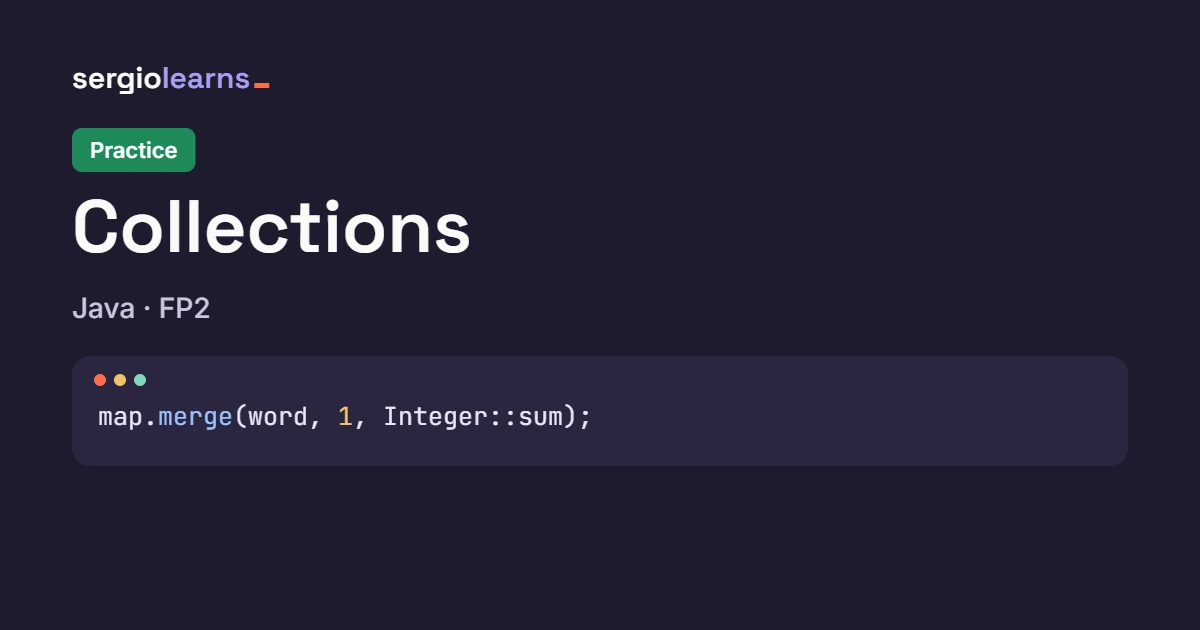
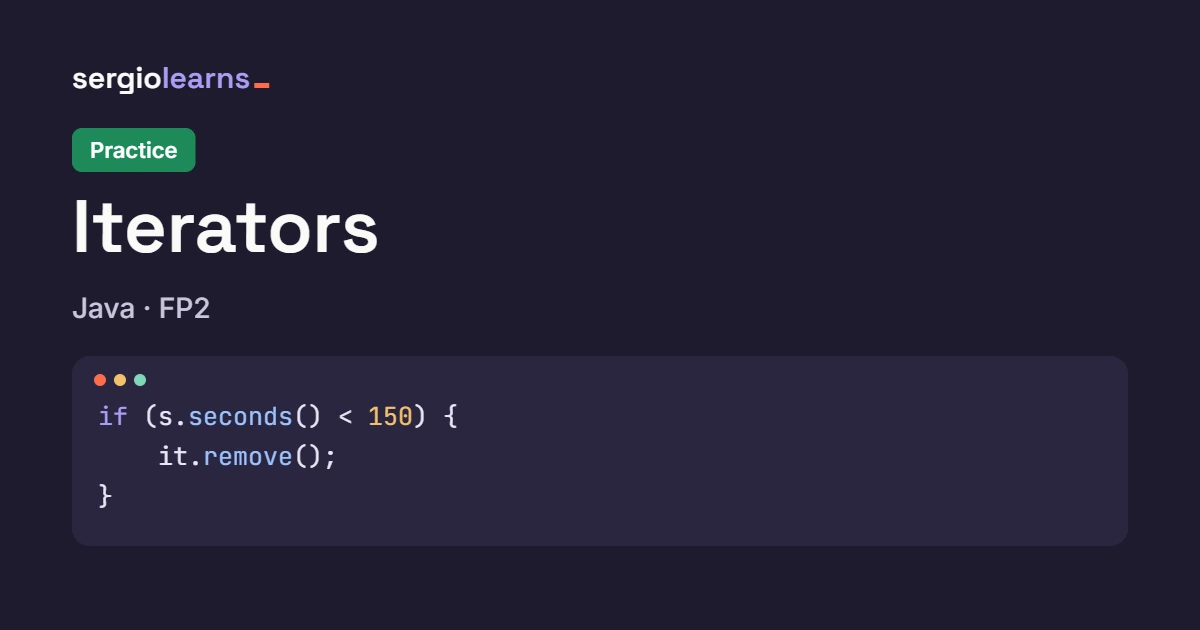
stock.remove(...)inside thefor-eachcausesConcurrentModificationException, just like with lists: the traversal and the map stop agreeing. And the map is left half-done:Emmawas removed, butMacbeth(also at zero) is still there. (Here we catch the exception only to show you how it ends up; in your code, don’t catch it.) stock.entrySet().removeIf(...)is the safe way to delete by condition: Java does it inside with an iterator, which is exactly what we saw in the iterators theory.merge(key, 1, Integer::sum)means “add 1 to whatever is there; if there’s nothing, start at 1”. It’s the star method for counting: you’ll see it a lot in the practice.
Integer::sum is a method reference: the function “add two integers”. merge uses it when the key already existed, to combine the old value with the new one.
Typical mistakes at a glance
Storing objects in a HashSet or using them as keys in a HashMap without consistent equals() and hashCode(). Duplicates that shouldn’t be there appear, or searches fail.
Modifying a collection or map while traversing it with a for-each. ConcurrentModificationException. Use the iterator or removeIf.
Depending on the order of a HashSet or a HashMap. It isn’t guaranteed. If it matters, LinkedHash... or Tree....
Calling get() on a Map and treating the result as if it were never null. If the key isn’t there, get returns null: use getOrDefault or containsKey.
Using LinkedList “because inserting is faster” and ending up with get(i) inside a loop. To go through positions, ArrayList.
Watch it step by step in Python Tutor
Inside, a HashSet is a set of “buckets” where elements land according to their hash. Python Tutor runs the code line by line and draws variables, arrays and references. Choose Java, paste the program and press Visualize Execution. Here’s a homemade hash table with four buckets, so you can see the distribution with your own eyes:
public class Tutor {
    public static void main(String[] args) {
        String[][] buckets = new String[4][3];
        int[] used = new int[4];
        String[] titles = {"Dune", "Emma", "Hamlet", "Dune"};

        for (String t : titles) {
            int bucket = Math.abs(t.hashCode()) % 4;      // 1. the hash picks the bucket
            boolean repeated = false;
            for (int i = 0; i < used[bucket]; i++) {    // 2. equals decides inside the bucket
                if (buckets[bucket][i].equals(t)) {
                    repeated = true;
                }
            }
            if (!repeated) {
                buckets[bucket][used[bucket]] = t;
                used[bucket]++;
            }
            System.out.println(t + " -> bucket " + bucket + (repeated ? " (already there)" : " (new)"));
        }
    }
}
Expected output:
Dune -> bucket 0 (new)
Emma -> bucket 0 (new)
Hamlet -> bucket 1 (new)
Dune -> bucket 0 (already there)
What to watch, step by step:
- At the start you’ll see
buckets, an array of four empty rows (each can hold three titles), andused, which counts how many there are in each row. - In the first iteration,
Dunelands in bucket 0:Math.abs(t.hashCode()) % 4gives 0. Since the bucket was empty, there’s nothing to compare and it’s stored. Emmaalso lands in bucket 0 (a collision: two different titles, the same bucket). Now the inner loop does compare withequalsagainstDune, sees they’re not equal and adds it next to it.Hamletgoes to bucket 1. And the secondDunegoes back to bucket 0: the hash takes it to the right place andequalsrecognizes it as a duplicate, so it isn’t stored again. That’s exactly what aHashSetdoes: **the hash takes it to the bucket andequalsdecides**.
Summary and quick table
| I want… | I use | Detail |
|---|---|---|
| An ordered sequence with duplicates | ArrayList | The default choice |
| Elements without duplicates | HashSet | Fast, unordered |
| No duplicates, with insertion order | LinkedHashSet | |
| No duplicates and sorted | TreeSet | Requires Comparable or Comparator |
| Look up by key | HashMap | Unordered; LinkedHashMap or TreeMap if it matters |
| Count occurrences | map.merge(key, 1, Integer::sum) | |
| Delete by condition | removeIf(...) | On lists, sets and entrySet() |
Make my objects work in HashSet/HashMap | equals() + hashCode() | Or a record |
Three ideas to keep:
- Choose by the promise:
Listif order matters or there are duplicates,Setif there can’t be any,Mapif you look up by key. And always declare with the interface. - **
HashSetandHashMapdepend onequals()andhashCode():** the hash chooses the bucket andequalsdecides whether it’s already there. If the two don’t go hand in hand, “invisible” duplicates appear. - **A
Hash...has no order:** if you need one,LinkedHash...(insertion) orTree...(sorted).
And now, let’s practice
With this you have the complete theory. In the collections practice we count words with a Map, test what happens with your own objects in a HashSet and a HashMap, and build loan queues and stacks with Deque and PriorityQueue. And if you want to review the previous topic first, go back to the iterators theory.
Did this article help you? Here is how you can support SergioLearns →

One Comment